 oks-ui
Chat thread
A support-inbox screen: a folder and connected-channel rail (real Nav badges), a searchable/sortable message list with a channel-tinted Avatar per row, and a conversation pane where a live MessageList renders aligned bubbles with delivery status, a reaction, and a composer.
Built with
- MessageComponent
- NavComponent
- Form / FormFieldSetComponent
- ButtonComponent
- AvatarComponent
- ChipComponent
- DropdownComponent
- DividerComponent
How it’s built
- 01MessageList is an
aria-livelog, so new messages are announced without moving focus. - 02The support agent's replies align end with a delivery
status; the customer's align start with an avatar — the same realalign/statusprops regardless of which conversation is selected. - 03A reaction is just
footercontent on aMessage— any node works, not a dedicated reactions API.
Source
Two files · copy & pasteStyling: this source uses Tailwind utility classes and this site’s colour tokens (for example text-ink, bg-paper and border-line). The oks-ui components render without them; swap those classes for your own.
import { useState } from "react";
import { Avatar } from "oks-ui/avatar";
import { Button } from "oks-ui/button";
import { Chip } from "oks-ui/chip";
import { Dropdown, DropdownItem, DropdownMenu, DropdownTrigger } from "oks-ui/dropdown";
import { Form, FormFieldSet } from "oks-ui/form-field-set";
import { Message, MessageList } from "oks-ui/message";
import { ChevronDownIcon, MailIcon, MoreIcon, PhoneIcon, SearchIcon, SendIcon, SparkleIcon, ThumbsUpIcon } from "./icons";
type ChannelKey = "gmail" | "telegram" | "whatsapp" | "messenger";
const CHANNEL_TONE: Record<ChannelKey, string> = {
gmail: "#e0623a",
telegram: "#2f9fe0",
whatsapp: "#22a35a",
messenger: "#6d5fe0",
};
const ChannelDot = ({ channel, size = 16 }: { channel: ChannelKey; size?: number }) => {
return (
<span className="flex shrink-0 items-center justify-center rounded-full text-white" style={{ background: CHANNEL_TONE[channel], width: size, height: size }} aria-hidden="true">
<svg width={size * 0.55} height={size * 0.55} viewBox="0 0 16 16" fill="none" stroke="currentColor" strokeWidth="1.6" strokeLinecap="round" strokeLinejoin="round">
<path d="M2 4h12v8H2Z" />
<path d="m2 4 6 5 6-5" />
</svg>
</span>
);
};
type Preview = { id: number; name: string; channel: ChannelKey; snippet: string; time: string; starred: boolean; hasAttachment: boolean };
const PREVIEWS: Preview[] = [
{ id: 1, name: "Matthew Anderson", channel: "whatsapp", snippet: "Hey there! I'm new here and had a question about...", time: "5m ago", starred: true, hasAttachment: true },
{ id: 2, name: "Ethan Johnson", channel: "messenger", snippet: "Hi, John! I hope this message finds you well.", time: "15m ago", starred: true, hasAttachment: false },
// …more rows
];
// A handful of rows get a real photo — two are the same stock-free portrait
// assets used elsewhere on this site, three are AI-synthesized
// (non-real-person) faces — the rest fall back to initials.
const PHOTOS: Record<string, string> = {
"Matthew Anderson": "/hero/person-man.jpg",
"Ethan Johnson": "/avatars/synthetic-1.jpg",
};
const Chat = () => {
const [selected, setSelected] = useState(1);
const active = PREVIEWS.find((p) => p.id === selected) ?? PREVIEWS[0];
const firstName = active.name.split(" ")[0];
return (
<>
{/* message list */}
<div className="flex h-full w-80 shrink-0 flex-col overflow-hidden border-r border-line">
<div className="flex items-center gap-2 px-4 py-3">
<FormFieldSet
type="search"
name="search"
label="Search messages"
placeholder="Search message"
startIcon={<SearchIcon size={15} />}
/>
<Dropdown placement="bottom-start">
<DropdownTrigger>
<Button variant="ghost" size="sm" endContent={<ChevronDownIcon size={13} />}>
Newest
</Button>
</DropdownTrigger>
<DropdownMenu aria-label="Sort messages" selectionMode="single" disallowEmptySelection selectedKeys={new Set(["newest"])}>
<DropdownItem key="newest">Newest</DropdownItem>
<DropdownItem key="oldest">Oldest</DropdownItem>
</DropdownMenu>
</Dropdown>
</div>
{PREVIEWS.map((p) => (
<Button
key={p.id}
variant="ghost"
fullWidth
onClick={() => setSelected(p.id)}
className={`justify-start gap-3 rounded-none border-b border-line px-4 py-3 text-left ${p.id === selected ? "bg-[color:var(--oks-color-primary-50)]" : ""}`}
>
<span className="relative shrink-0">
<Avatar src={PHOTOS[p.name]} name={p.name} size="md" radius="full" />
<span className="absolute -bottom-0.5 -right-0.5 rounded-full ring-2 ring-paper">
<ChannelDot channel={p.channel} size={14} />
</span>
</span>
<span className="min-w-0 flex-1">
<span className="flex items-center justify-between gap-2">
<span className="truncate text-[0.88rem] font-semibold text-ink">{p.name}</span>
<span className={`shrink-0 text-[0.72rem] ${p.id === selected ? "text-ink-soft" : "text-ink-faint"}`}>{p.time}</span>
</span>
<span className={`truncate text-[0.8rem] ${p.id === selected ? "text-ink-soft" : "text-ink-muted"}`}>{p.snippet}</span>
</span>
</Button>
))}
</div>
{/* conversation */}
<div className="flex min-w-0 flex-1 flex-col overflow-hidden">
<header className="flex shrink-0 items-center justify-between gap-3 border-b border-line px-5 py-3">
<div className="flex min-w-0 items-center gap-2.5">
<Avatar src={PHOTOS[active.name]} name={active.name} size="sm" radius="full" />
<div className="min-w-0">
<p className="truncate text-[0.92rem] font-semibold text-ink">{active.name}</p>
<p className="truncate text-[0.75rem] text-ink-faint">Last seen recently</p>
</div>
</div>
<div className="flex items-center gap-1">
<Button isIconOnly aria-label="AI reply suggestions" variant="ghost" radius="full" size="sm">
<SparkleIcon size={16} />
</Button>
<Button isIconOnly aria-label="Call" variant="ghost" radius="full" size="sm">
<PhoneIcon size={16} />
</Button>
</div>
</header>
<div className="flex flex-1 flex-col gap-1 overflow-y-auto px-5 py-4">
<Chip size="sm" variant="soft" classNames={{ base: "mx-auto" }}>
Today
</Chip>
<MessageList classNames={{ base: "flex flex-col gap-3" }}>
<Message author={active.name} avatar={<Avatar src={PHOTOS[active.name]} name={active.name} size="sm" radius="full" />} timestamp="10:02 AM">
Hi! Quick question — does the analytics dashboard support exporting a custom date range, or only the preset ones?
</Message>
<Message
align="end"
color="primary"
status="read"
timestamp="10:20 AM"
footer={
<span className="inline-flex items-center gap-1 rounded-full bg-paper px-1.5 py-0.5 text-[0.75rem] shadow-[var(--shadow-sm)]" aria-label="Reacted with thumbs up">
<ThumbsUpIcon />
</span>
}
>
Hi {firstName}, good question — yes, the export panel has a custom range picker next to the presets, so you can pick any start and end date.
</Message>
<Message author={active.name} avatar={<Avatar src={PHOTOS[active.name]} name={active.name} size="sm" radius="full" />} timestamp="10:24 AM" isContinuation>
That's great! One more thing — can I schedule that export to email itself weekly?
</Message>
<Message align="end" color="primary" status="delivered" timestamp="10:31 AM">
Not yet, but it's on our roadmap for next quarter — I'll follow up here as soon as it ships.
</Message>
</MessageList>
</div>
<Form onSubmit={(d) => console.log(d)} className="flex shrink-0 flex-col gap-2 border-t border-line p-3">
<FormFieldSet type="text" name="message" label="Message" placeholder="Write your message…" />
<div className="flex items-center justify-between gap-2">
<Button isIconOnly aria-label="Insert email template" variant="ghost" size="sm">
<MailIcon size={15} />
</Button>
<Button type="submit" isIconOnly aria-label="Send message" color="primary" radius="full" size="sm">
<SendIcon size={15} />
</Button>
</div>
</Form>
</div>
</>
);
};
export default Chat;It imports ./icons, so save this next to it:
export const ChevronDownIcon = ({ size = 18 }: { size?: number }) => {
  return (
    <svg
      width={size}
      height={size}
      viewBox="0 0 24 24"
      fill="none"
      stroke="currentColor"
      strokeWidth={2}
      strokeLinecap="round"
      strokeLinejoin="round"
      aria-hidden="true"
    >
      <path d="m6 9 6 6 6-6" />
    </svg>
  );
};

export const MailIcon = ({ size = 18 }: { size?: number }) => {
  return (
    <svg
      width={size}
      height={size}
      viewBox="0 0 24 24"
      fill="none"
      stroke="currentColor"
      strokeWidth={2}
      strokeLinecap="round"
      strokeLinejoin="round"
      aria-hidden="true"
    >
      <rect x="2" y="4" width="20" height="16" rx="2" />
      <path d="m2 7 10 6 10-6" />
    </svg>
  );
};

export const MoreIcon = ({ size = 18 }: { size?: number }) => {
  return (
    <svg
      width={size}
      height={size}
      viewBox="0 0 24 24"
      fill="currentColor"
      aria-hidden="true"
    >
      <circle cx="5" cy="12" r="1.6" />
      <circle cx="12" cy="12" r="1.6" />
      <circle cx="19" cy="12" r="1.6" />
    </svg>
  );
};

export const PhoneIcon = ({ size = 18 }: { size?: number }) => {
  return (
    <svg
      width={size}
      height={size}
      viewBox="0 0 24 24"
      fill="none"
      stroke="currentColor"
      strokeWidth={2}
      strokeLinecap="round"
      strokeLinejoin="round"
      aria-hidden="true"
    >
      <path d="M22 16.92v3a2 2 0 0 1-2.18 2 19.79 19.79 0 0 1-8.63-3.07 19.5 19.5 0 0 1-6-6 19.79 19.79 0 0 1-3.07-8.67A2 2 0 0 1 4.11 2h3a2 2 0 0 1 2 1.72c.127.96.362 1.903.7 2.81a2 2 0 0 1-.45 2.11L8.09 9.91a16 16 0 0 0 6 6l1.27-1.27a2 2 0 0 1 2.11-.45c.907.338 1.85.573 2.81.7A2 2 0 0 1 22 16.92Z" />
    </svg>
  );
};

export const SearchIcon = ({ size = 18 }: { size?: number }) => {
  return (
    <svg
      width={size}
      height={size}
      viewBox="0 0 24 24"
      fill="none"
      stroke="currentColor"
      strokeWidth={2}
      strokeLinecap="round"
      strokeLinejoin="round"
      aria-hidden="true"
    >
      <circle cx="11" cy="11" r="7" />
      <path d="M21 21l-4.3-4.3" />
    </svg>
  );
};

export const SendIcon = ({ size = 18 }: { size?: number }) => {
  return (
    <svg
      width={size}
      height={size}
      viewBox="0 0 24 24"
      fill="none"
      stroke="currentColor"
      strokeWidth={2}
      strokeLinecap="round"
      strokeLinejoin="round"
      aria-hidden="true"
    >
      <path d="m22 2-7 20-4-9-9-4Z" />
      <path d="M22 2 11 13" />
    </svg>
  );
};

// Icons below this line were added for Slate's rebuild into a personal
// finance & invoicing app -- same "no icon library dependency" convention
// above.

export const SparkleIcon = ({ size = 18 }: { size?: number }) => {
  return (
    <svg
      width={size}
      height={size}
      viewBox="0 0 24 24"
      fill="none"
      stroke="currentColor"
      strokeWidth={2}
      strokeLinecap="round"
      strokeLinejoin="round"
      aria-hidden="true"
    >
      <path d="M12 3c.6 3.2 1.9 4.9 5.5 5.5-3.6.6-4.9 2.3-5.5 5.5-.6-3.2-1.9-4.9-5.5-5.5C10.1 7.9 11.4 6.2 12 3Z" />
      <path d="M19 15c.3 1.4.9 2.1 2.3 2.3-1.4.3-2.1.9-2.3 2.3-.3-1.4-.9-2.1-2.3-2.3 1.4-.3 2.1-.9 2.3-2.3Z" />
    </svg>
  );
};

export const ThumbsUpIcon = ({ size = 14 }: { size?: number }) => {
  return (
    <svg width={size} height={size} viewBox="0 0 24 24" fill="none" stroke="currentColor" strokeWidth={2} strokeLinecap="round" strokeLinejoin="round" aria-hidden="true">
      <path d="M7 10v11" />
      <path d="M15 5.9 14 10h5.8a2 2 0 0 1 2 2.3l-1.4 7a2 2 0 0 1-2 1.7H7V10l4-8a3 3 0 0 1 4 3.9Z" />
    </svg>
  );
};
More patterns
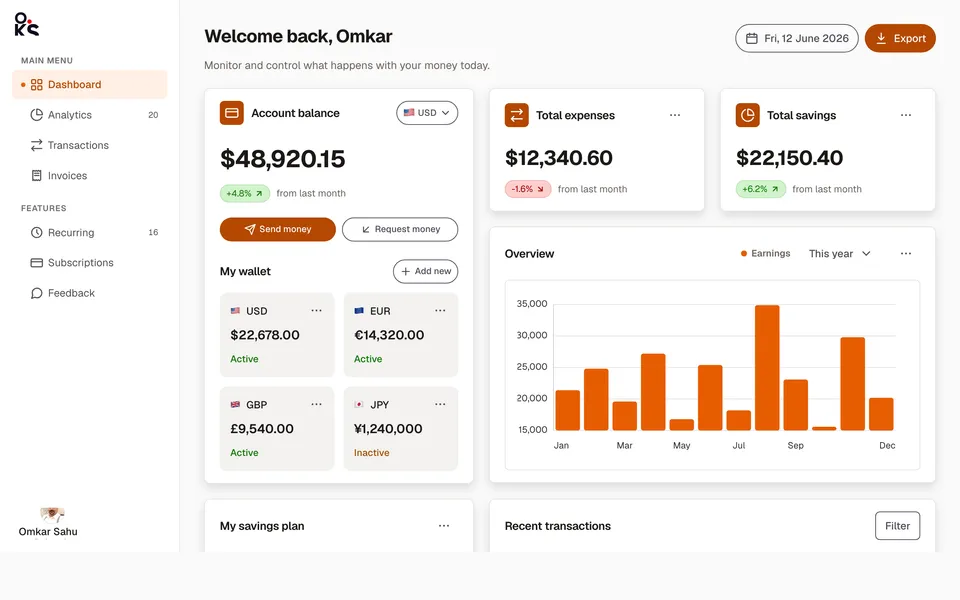
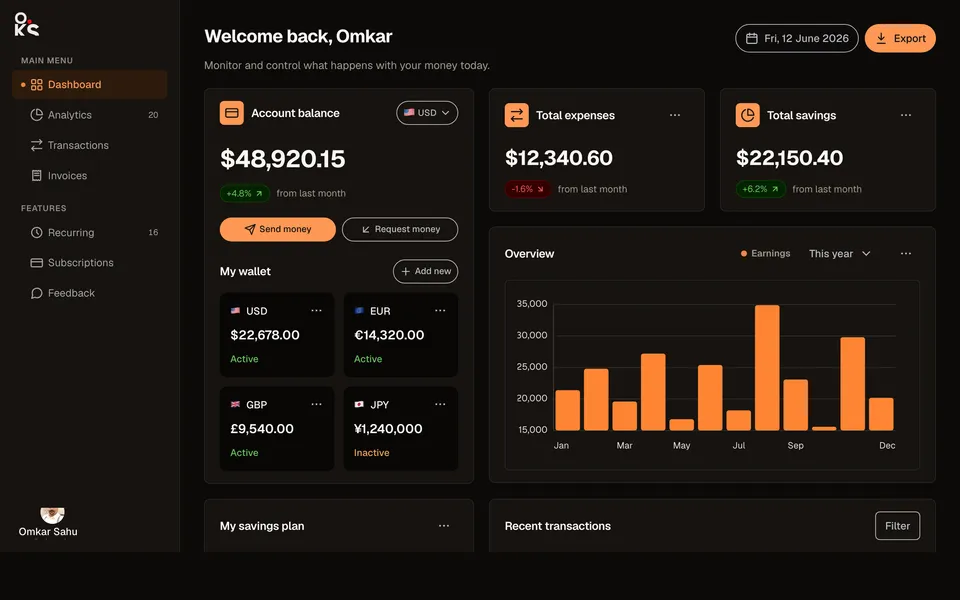
Analytics dashboardApp screens
A full fintech app screen — collapsible sidebar, header search, wallet cards, an earnings chart, savings goals, and a transactions table.
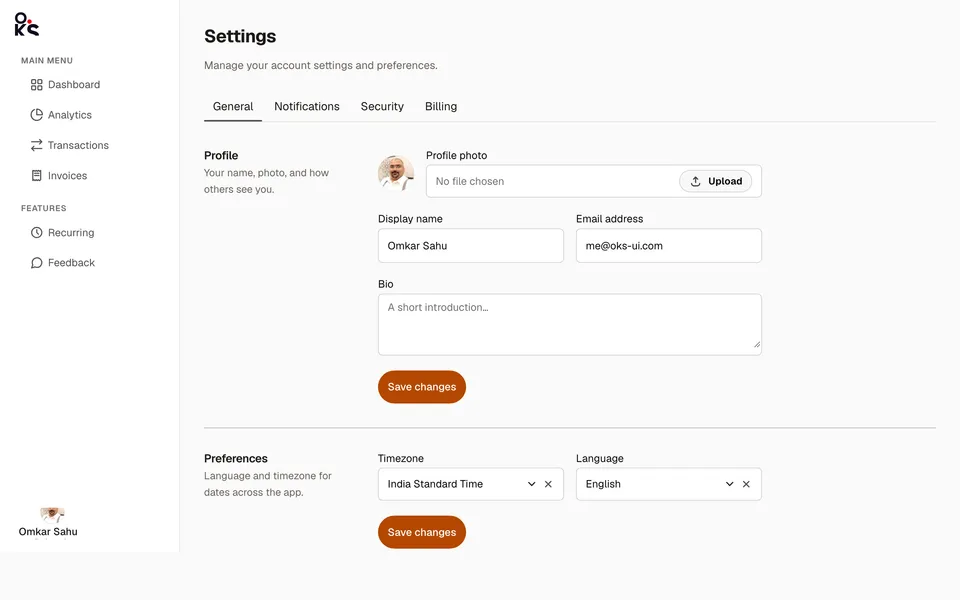
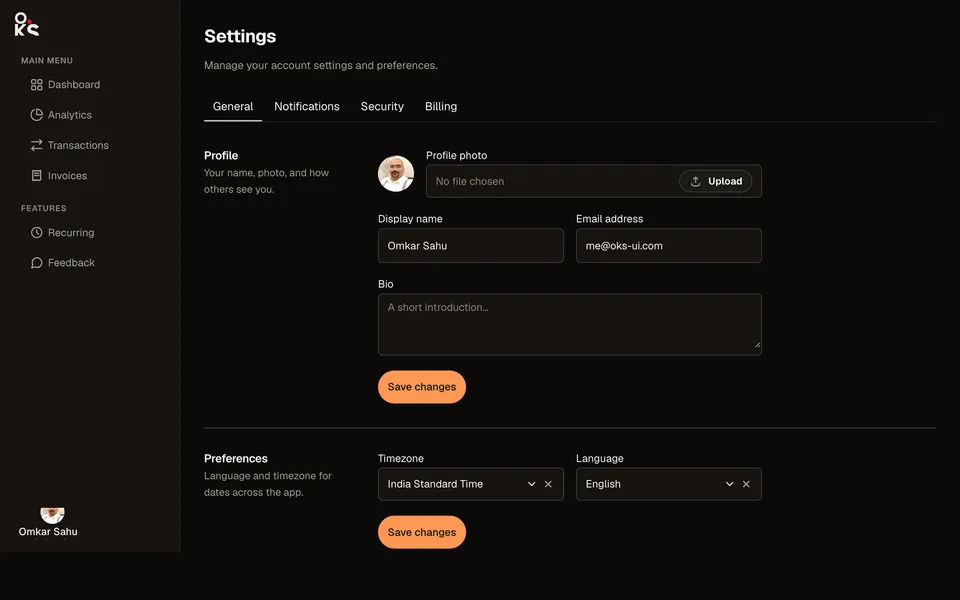
Settings panelApp screens
A real settings screen — top tabs, two-column sections, and a sortable, selectable billing history table.
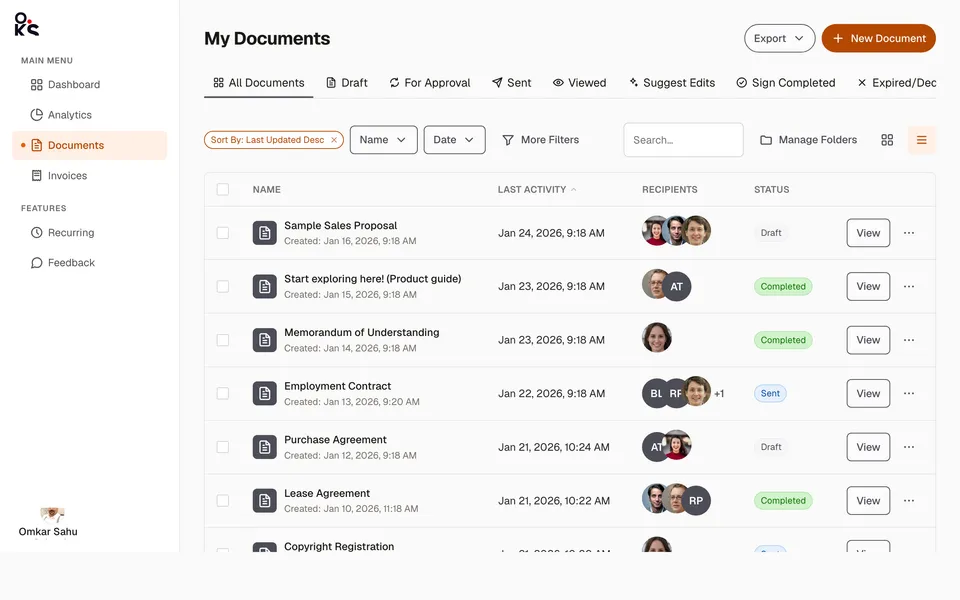
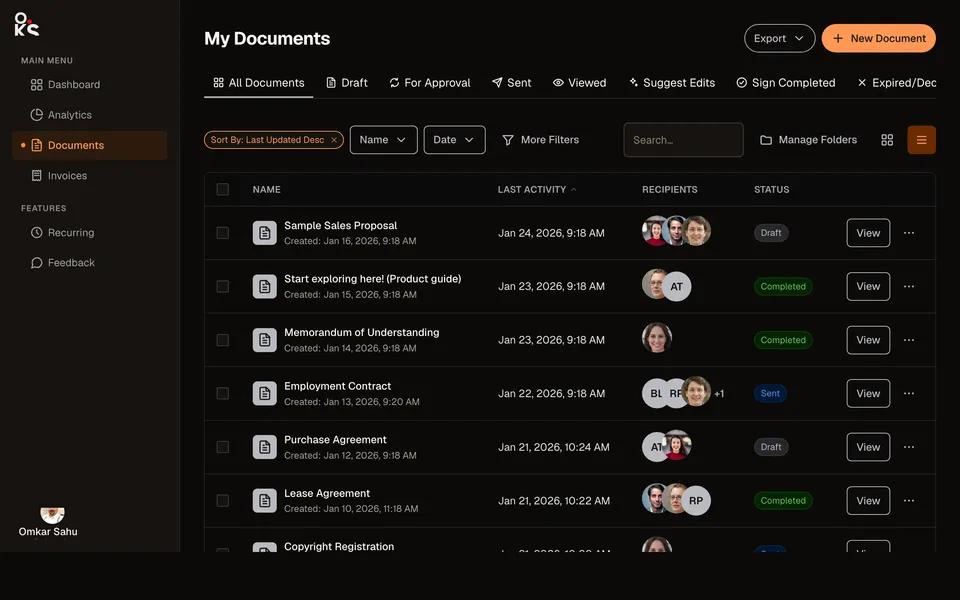
Data table viewApp screens
A full documents list screen — status Tabs, a filter toolbar, and a sortable, selectable Table with real recipient avatars.