 oks-ui
Build any screen from oks-ui
Not isolated component demos — whole screens, the way you actually assemble them. Copy the source, swap the data, ship.
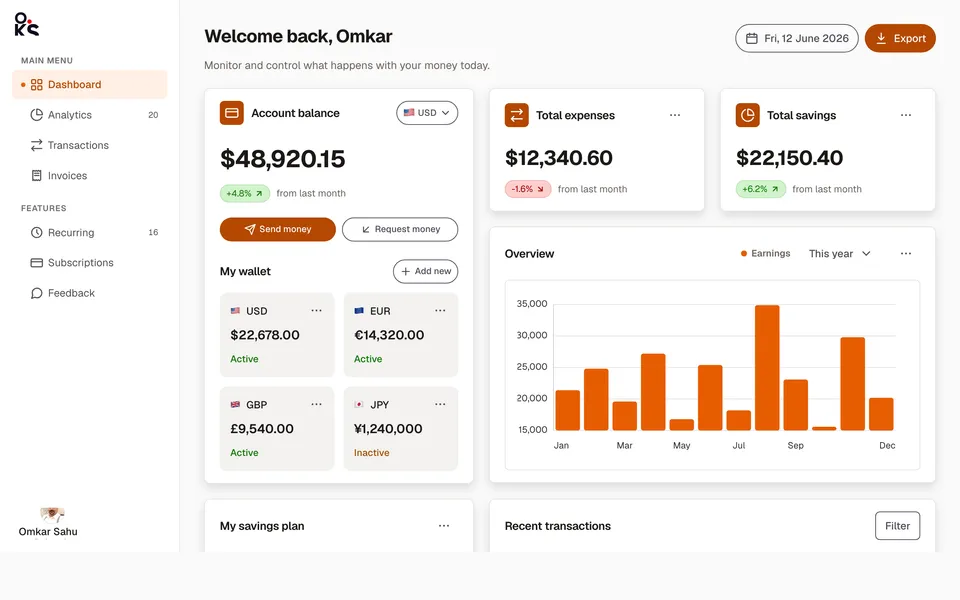
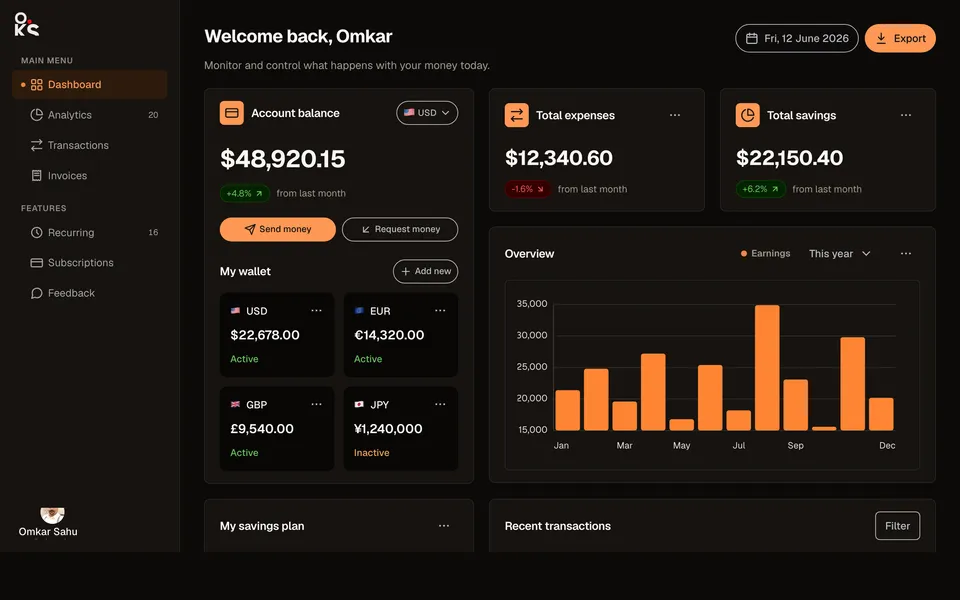
Analytics dashboardApp screens
A full fintech app screen — collapsible sidebar, header search, wallet cards, an earnings chart, savings goals, and a transactions table.
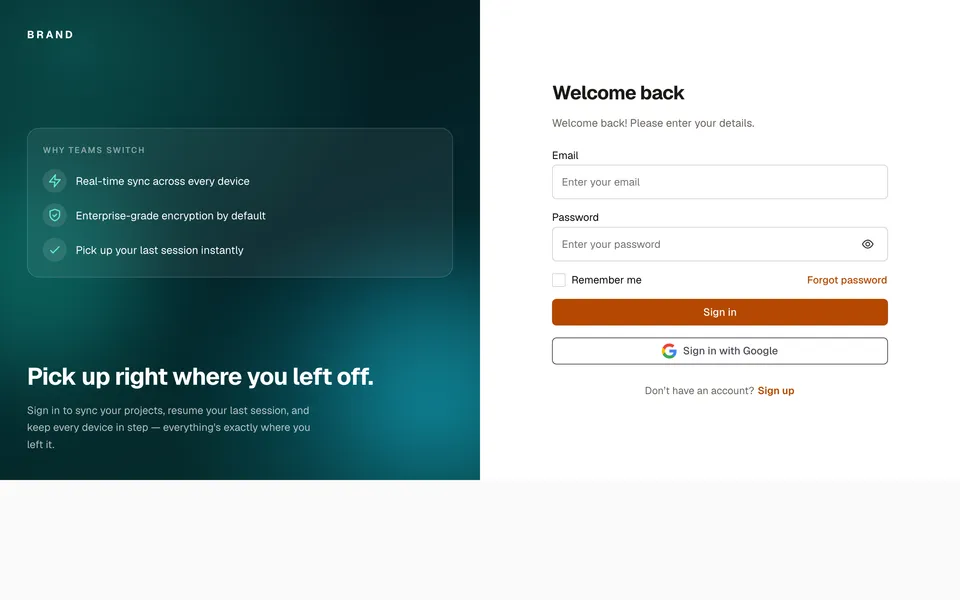
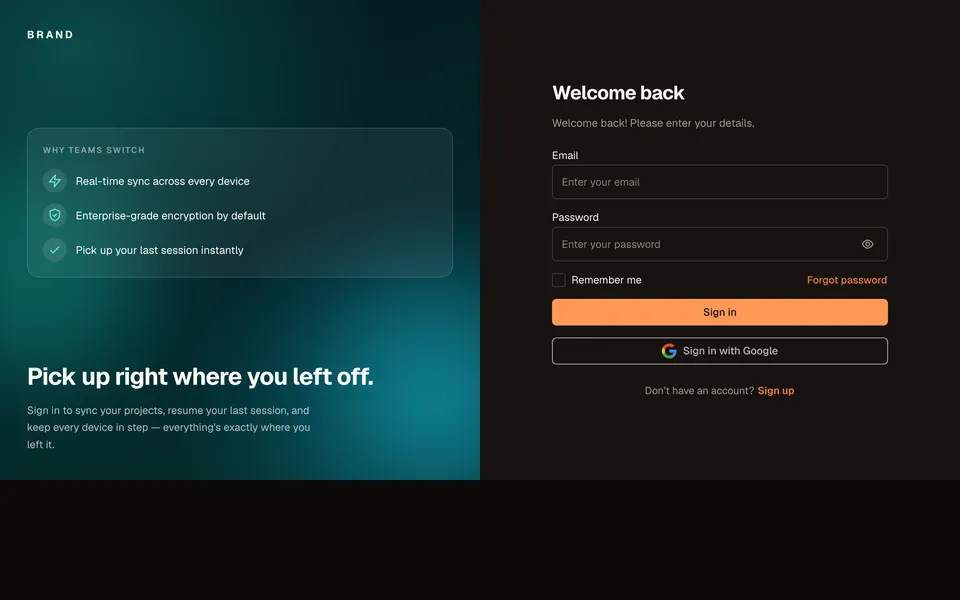
Sign-in screenAuth
A split-screen sign-in with a feature panel, Google SSO, and remember-me.
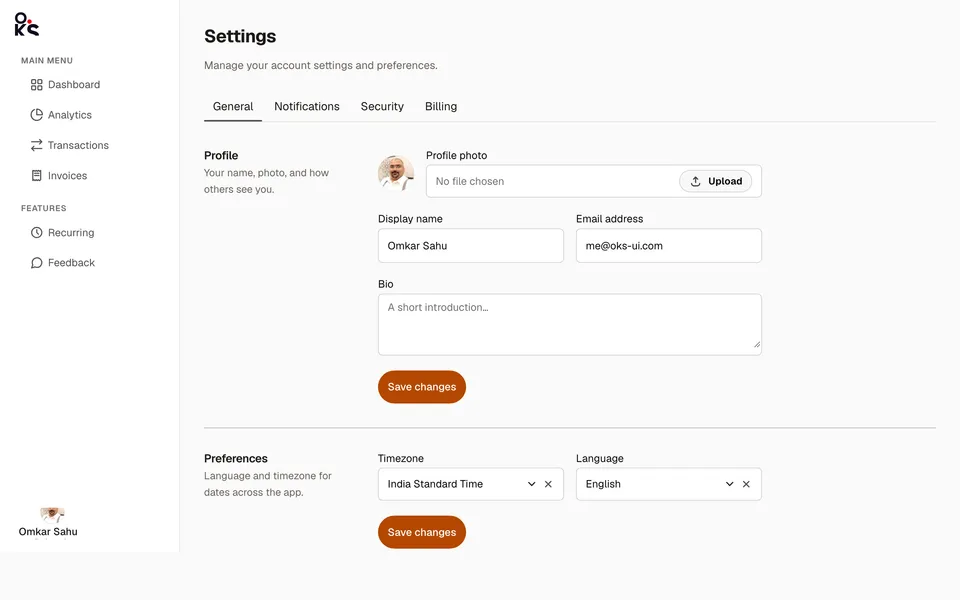
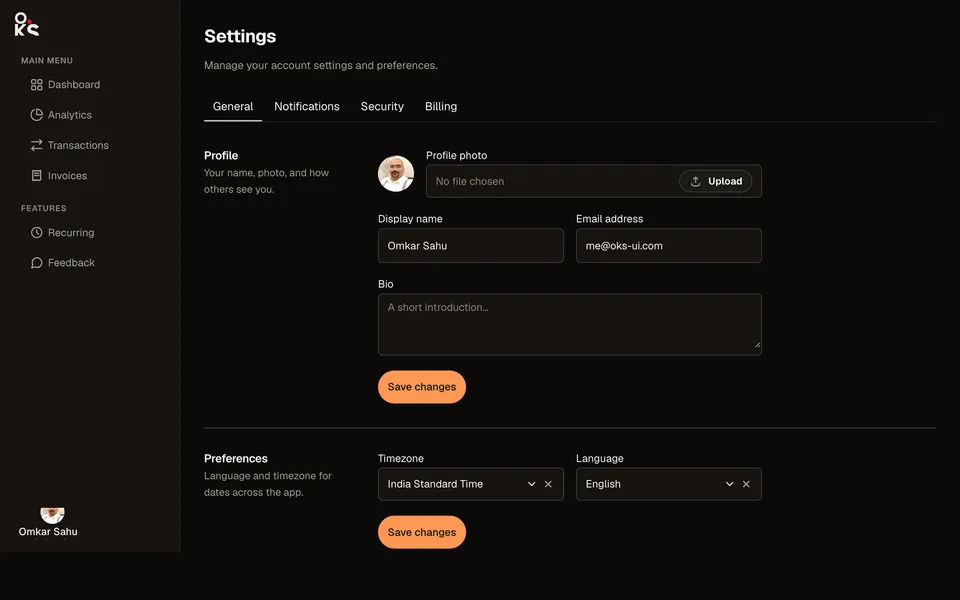
Settings panelApp screens
A real settings screen — top tabs, two-column sections, and a sortable, selectable billing history table.
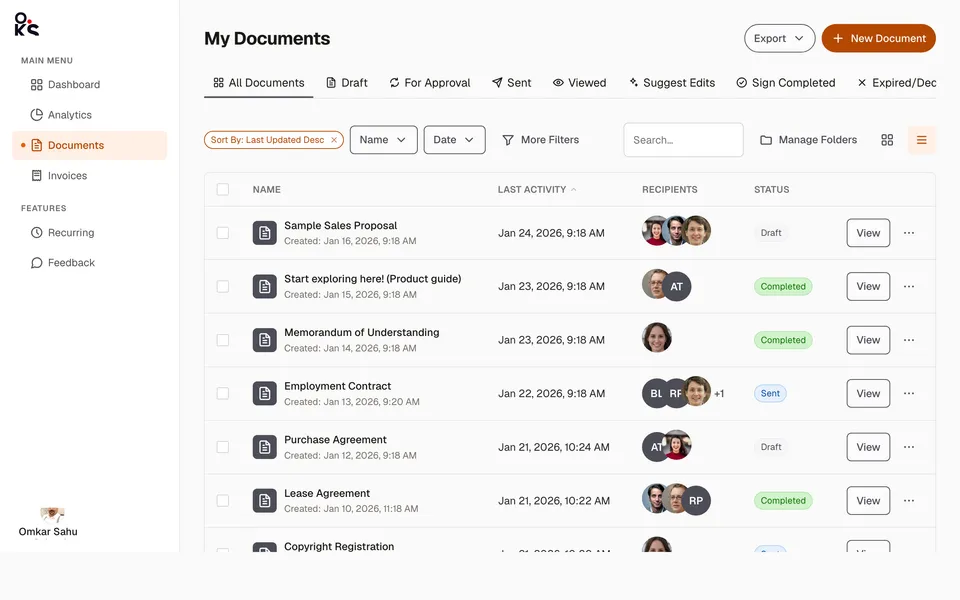
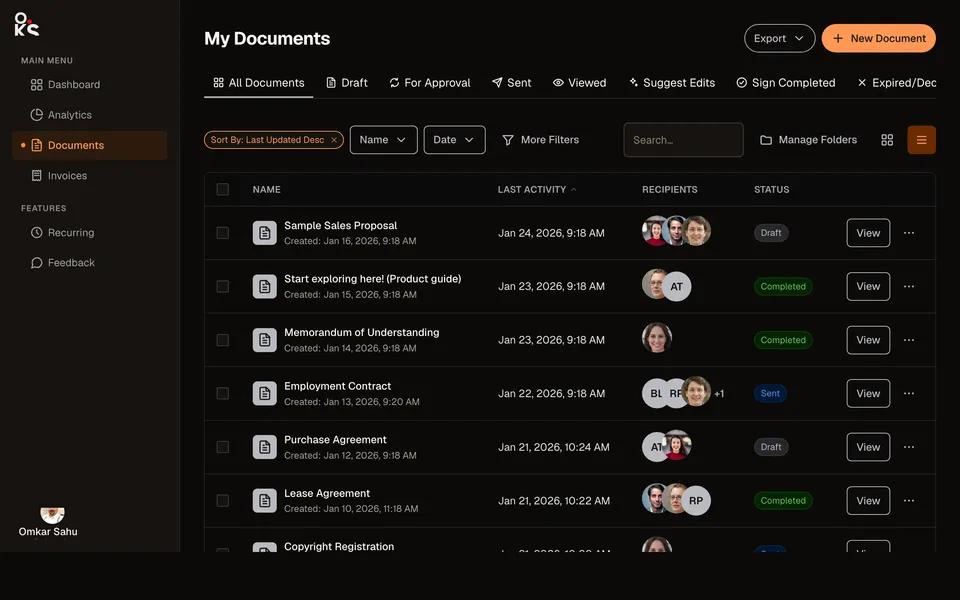
Data table viewApp screens
A full documents list screen — status Tabs, a filter toolbar, and a sortable, selectable Table with real recipient avatars.
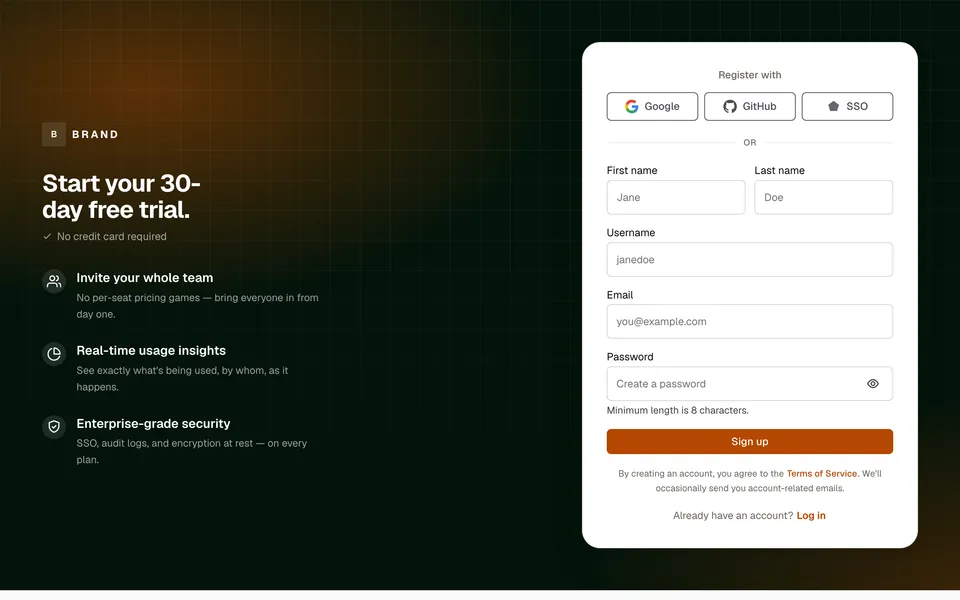
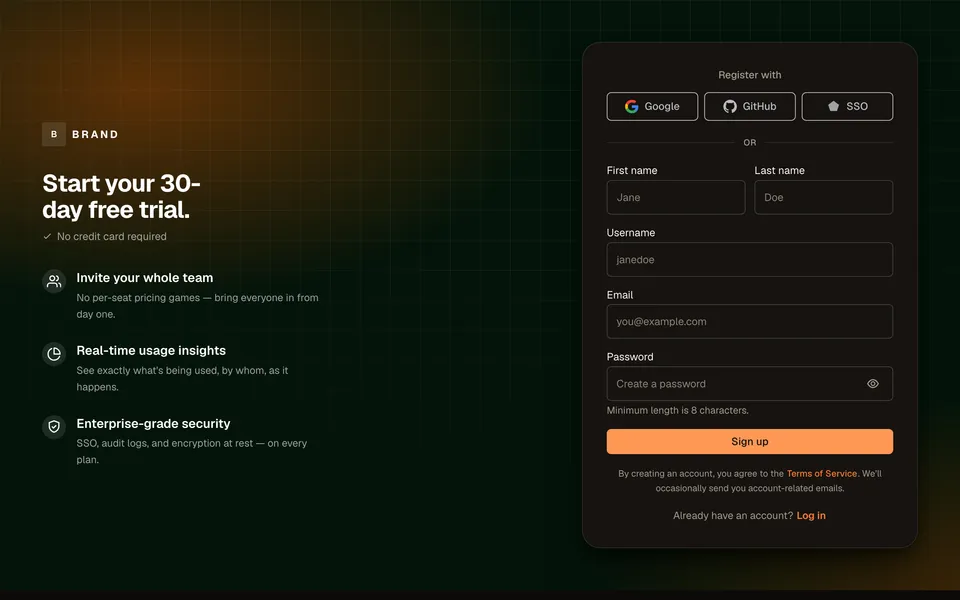
Sign-up screenAuth
A dark canvas with a feature pitch, SSO row, and a real registration form.
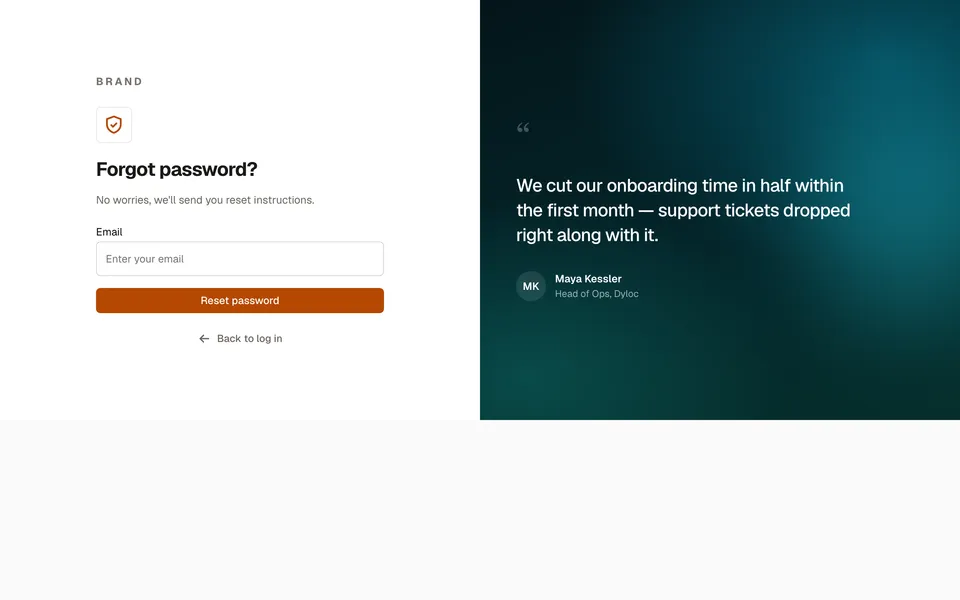
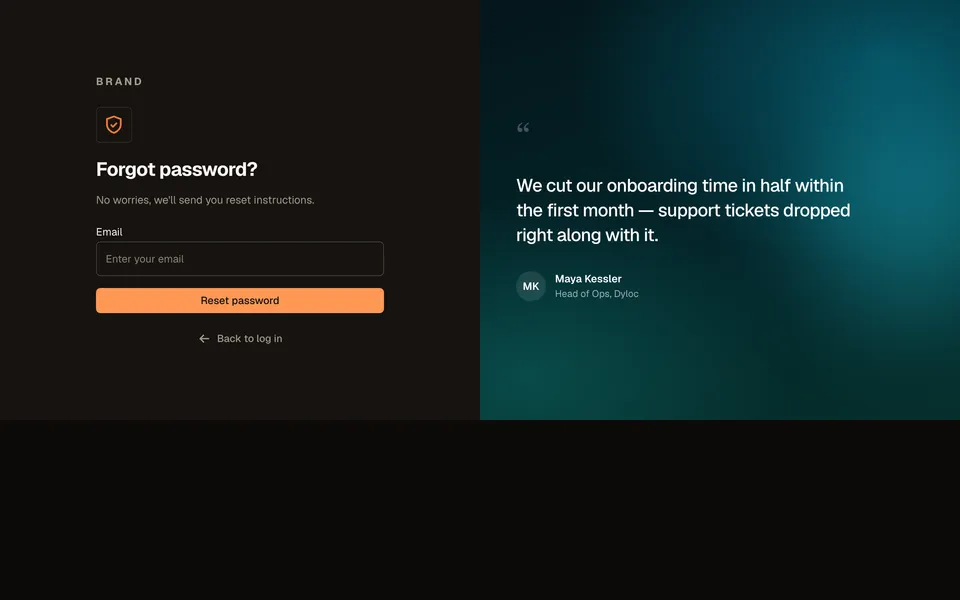
Forgot passwordAuth
A single email field beside an original customer-quote panel.
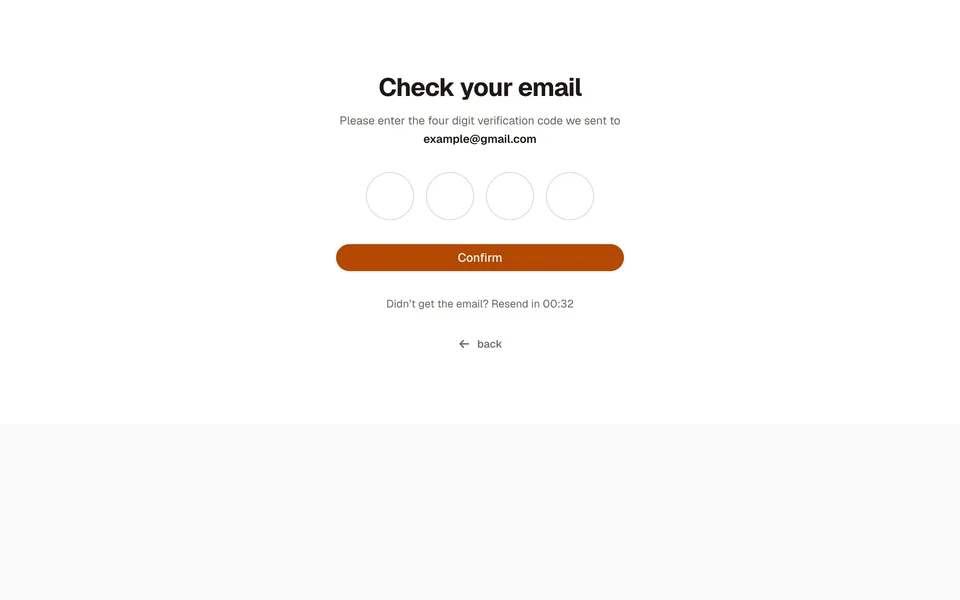
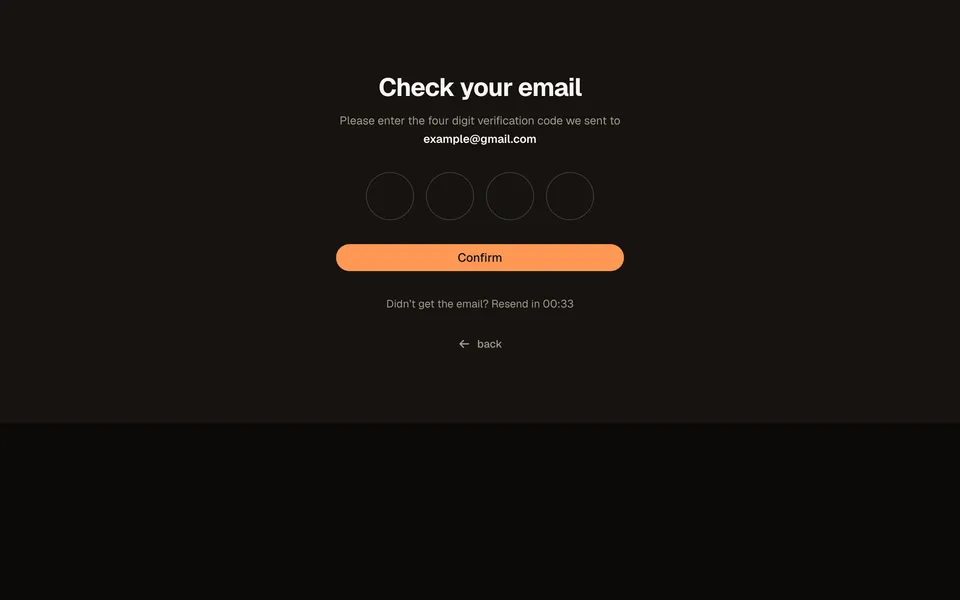
OTP verificationAuth
Four large circular code boxes with a live resend countdown.
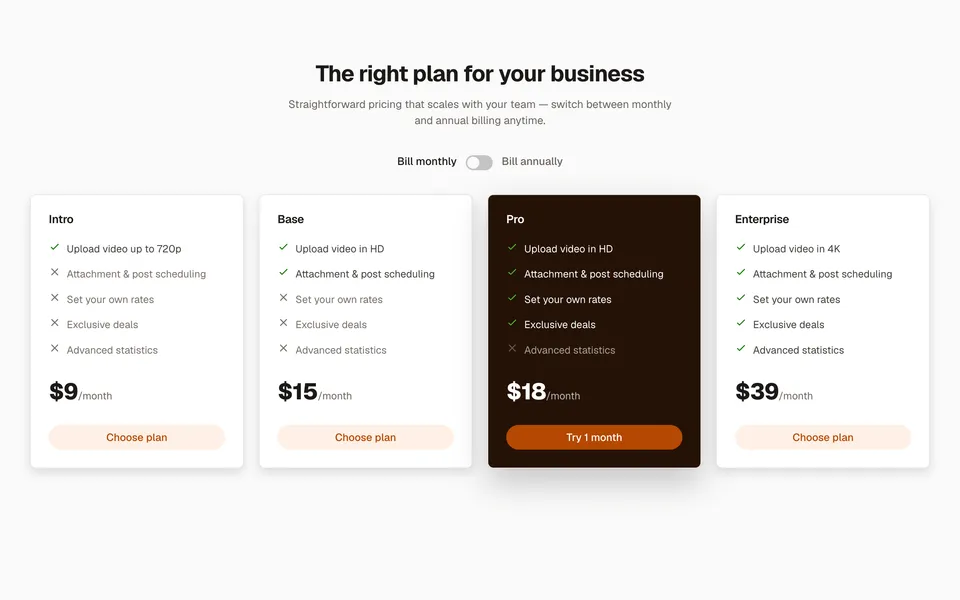
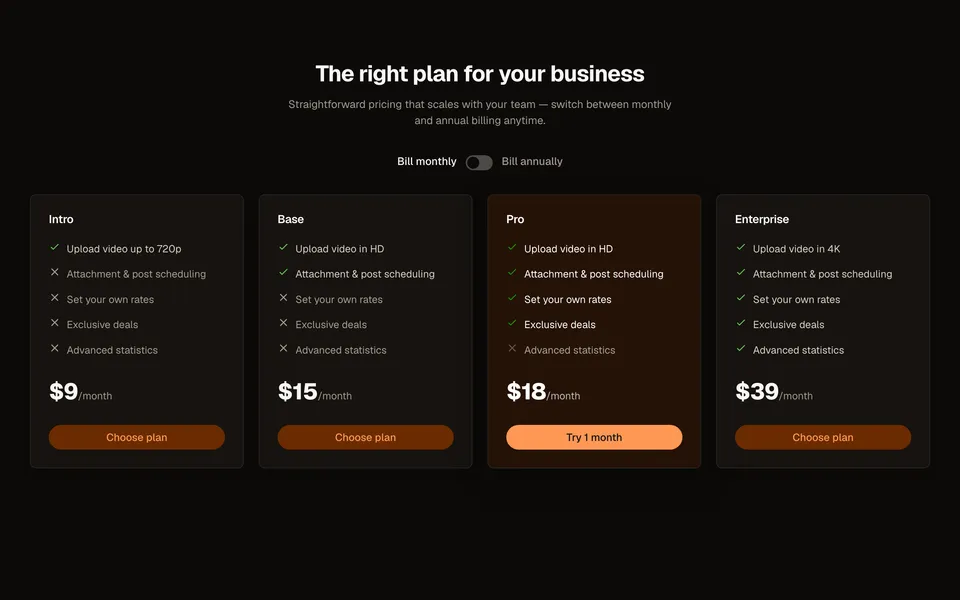
Pricing tableMarketing
Four plans with a live billing toggle and a per-feature check/x comparison list.
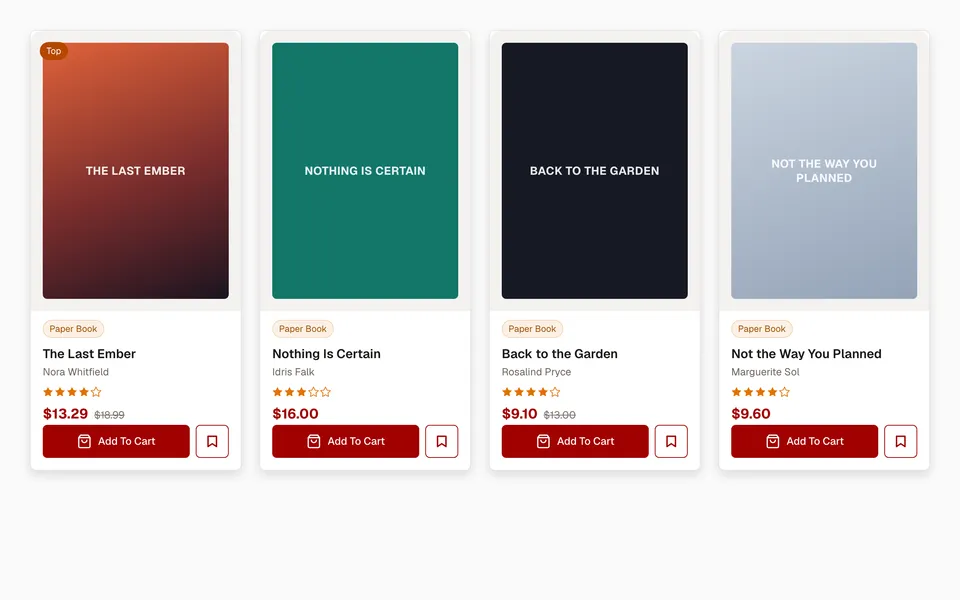
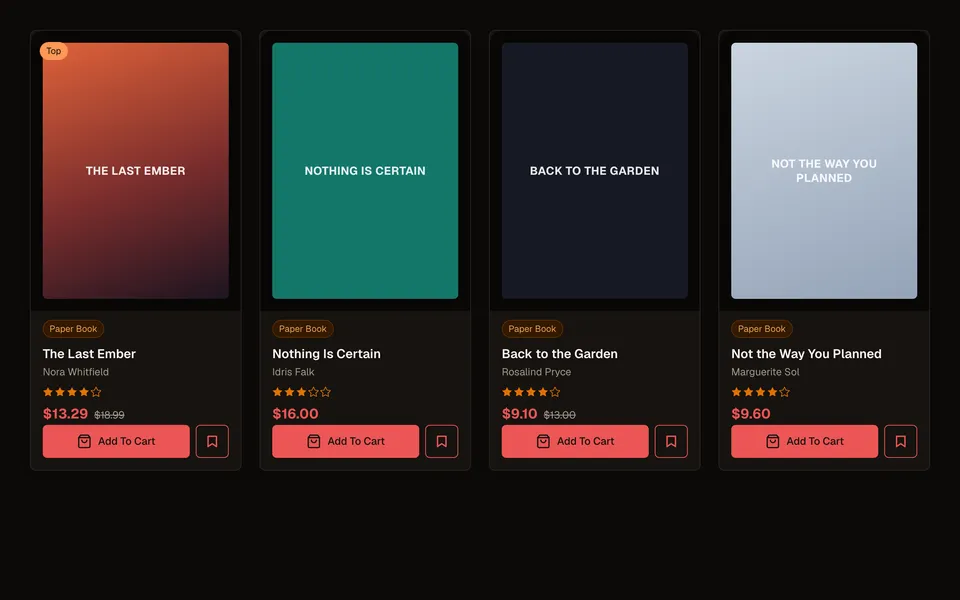
Product gridCommerce
A responsive book grid with ratings, sale pricing, and a save-for-later action.
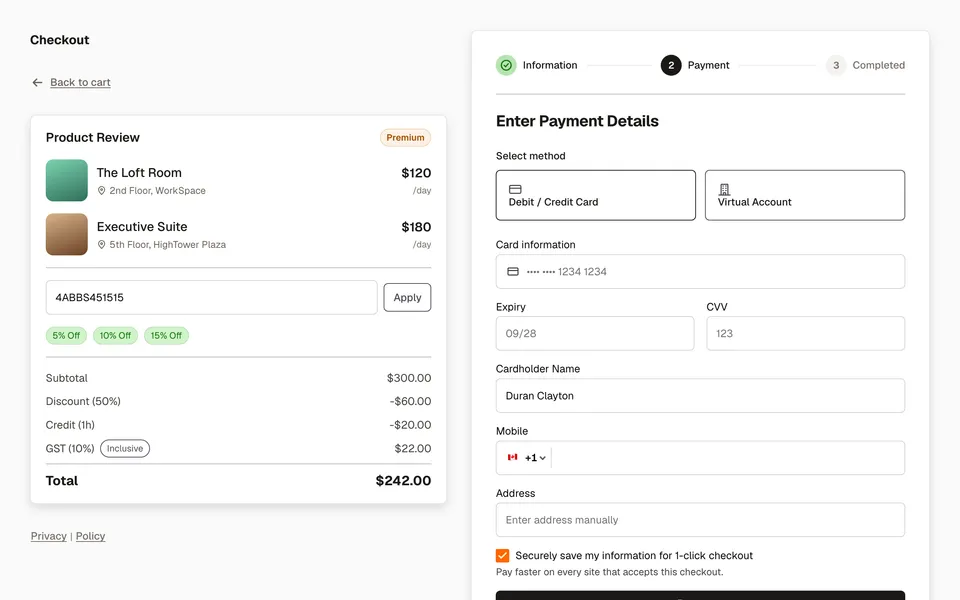
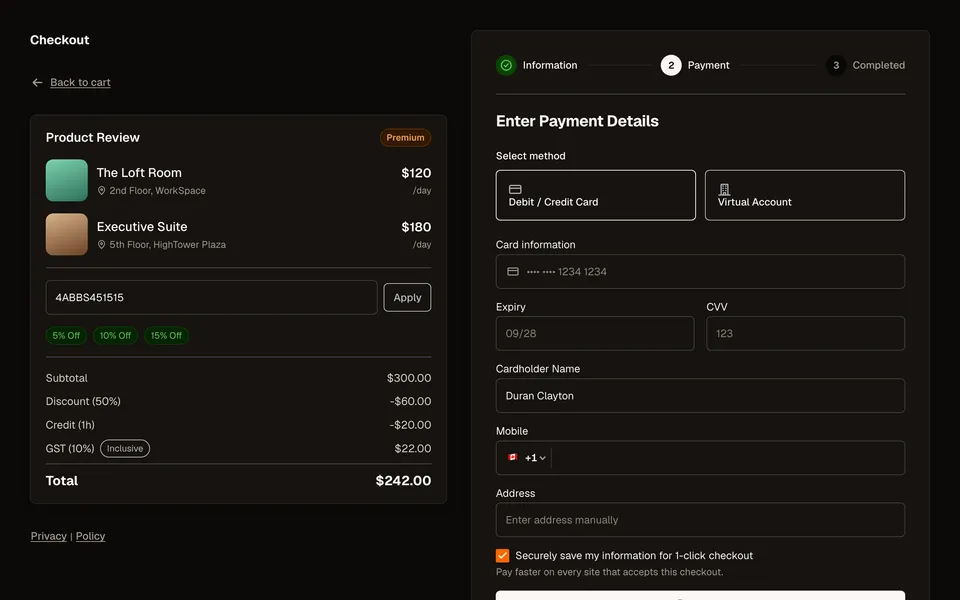
CheckoutCommerce
A real two-step checkout — order review, discount codes, and a live payment-method switch.
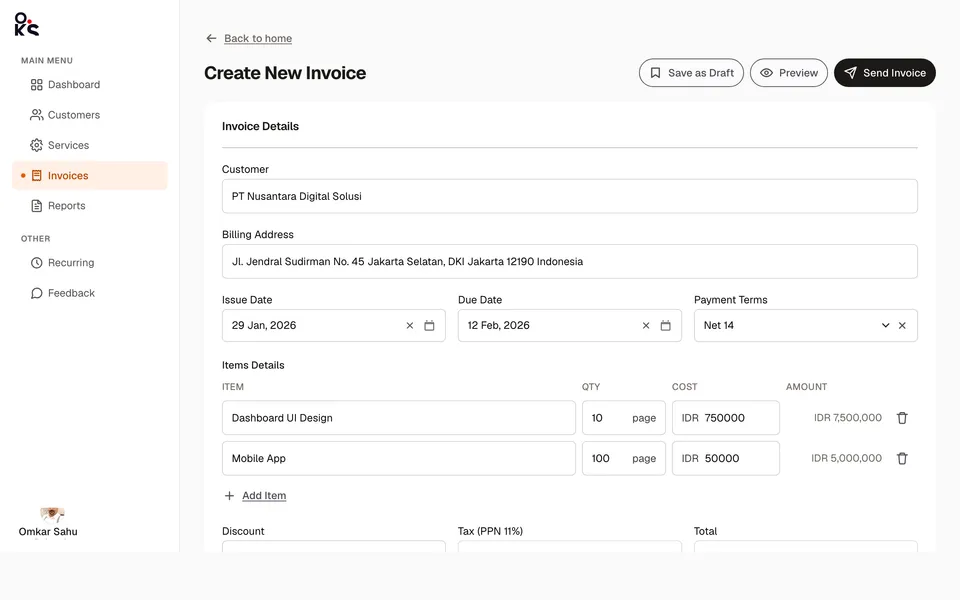
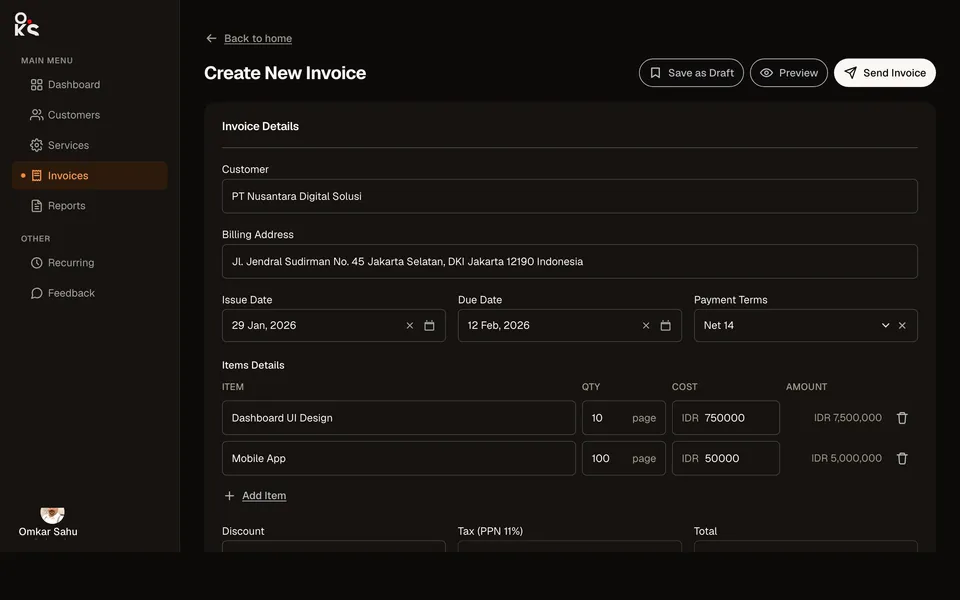
Invoice detailCommerce
A full-width invoice builder with a live Preview Drawer for the recipient-facing view.
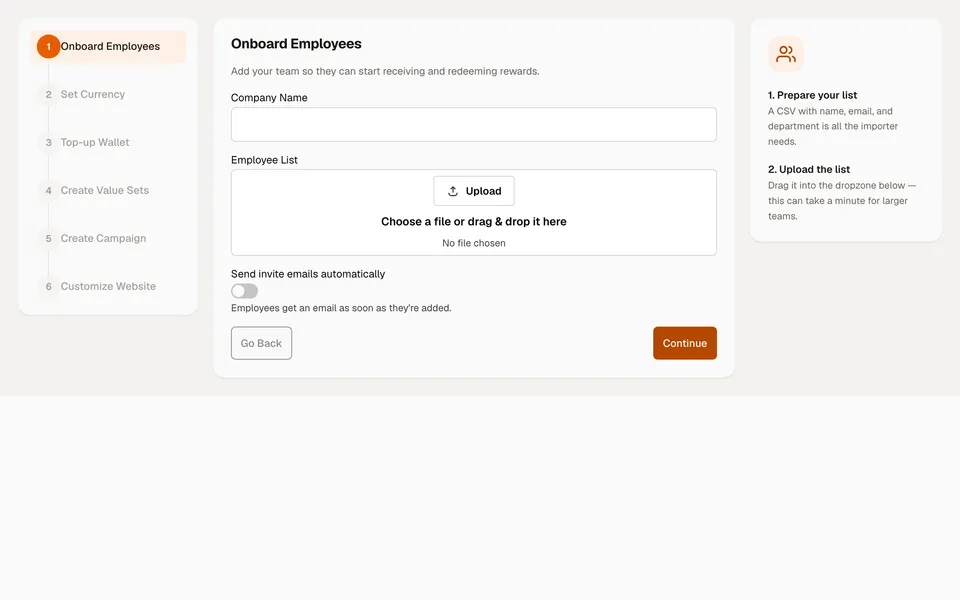
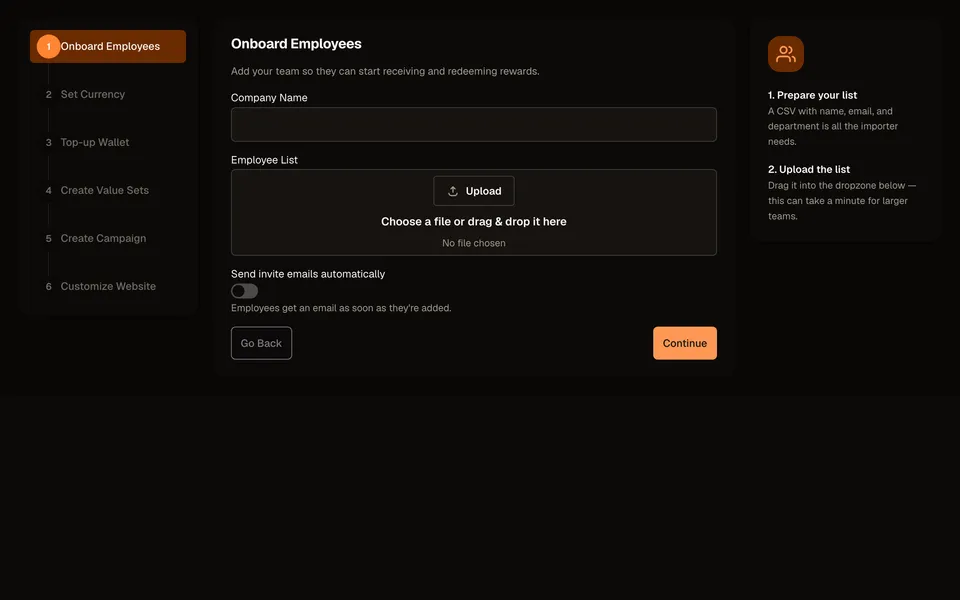
Onboarding wizardOnboarding
A 3-column setup flow: a numbered step rail, the active step's form, and contextual tips.
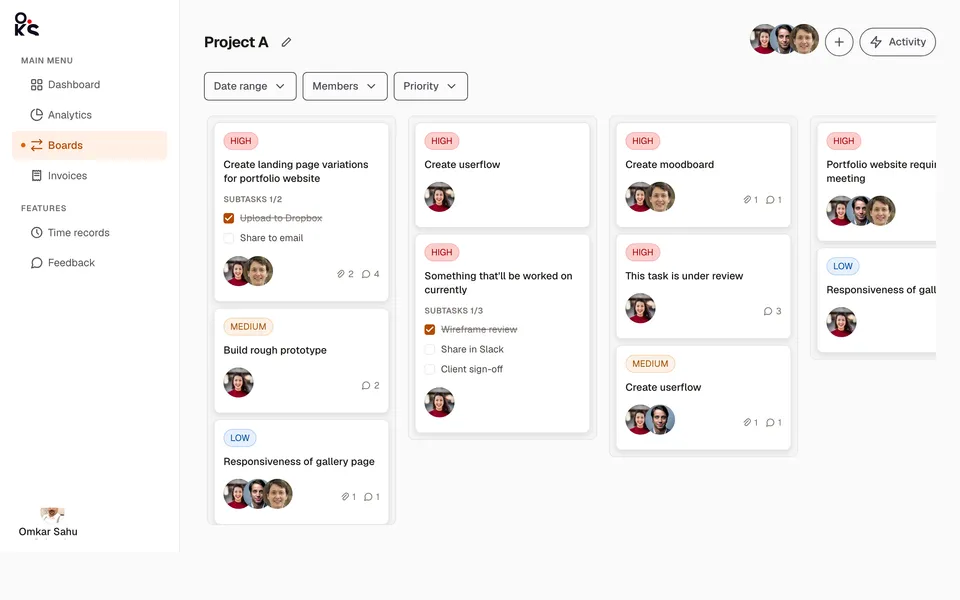
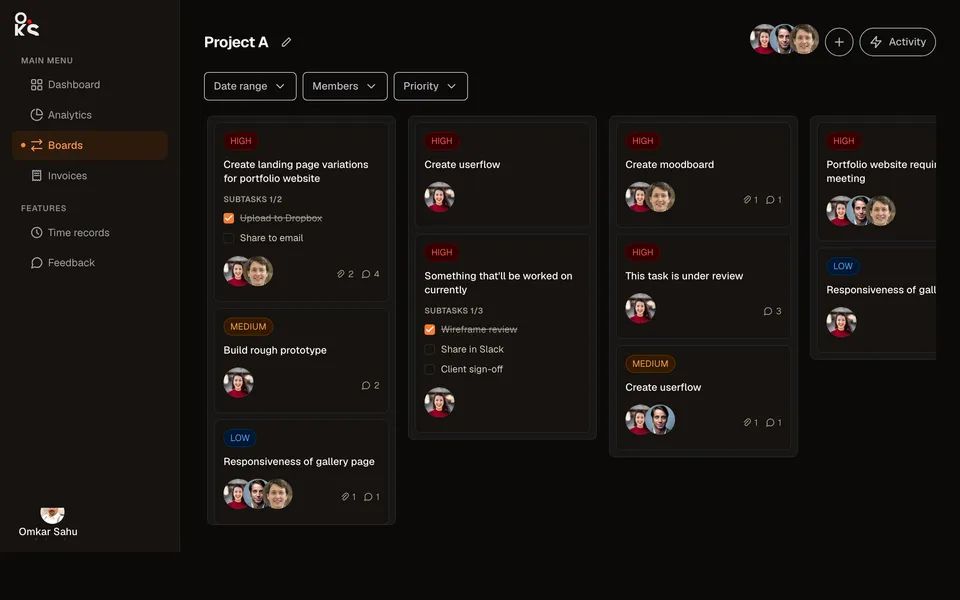
Kanban boardApp screens
A full project board — sidebar/header shell, filters, priority cards with subtask checklists, and drag-and-drop with WIP limits.
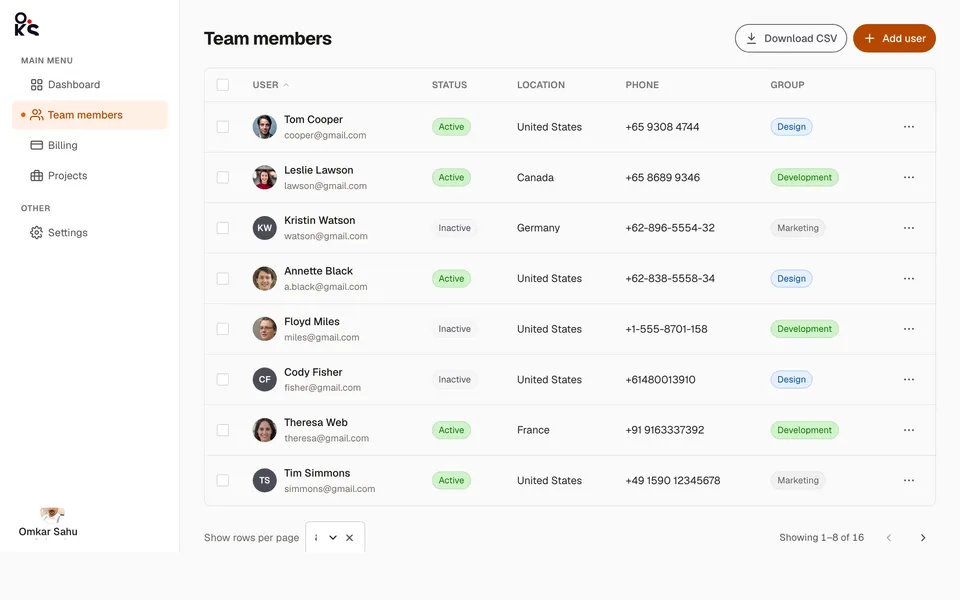
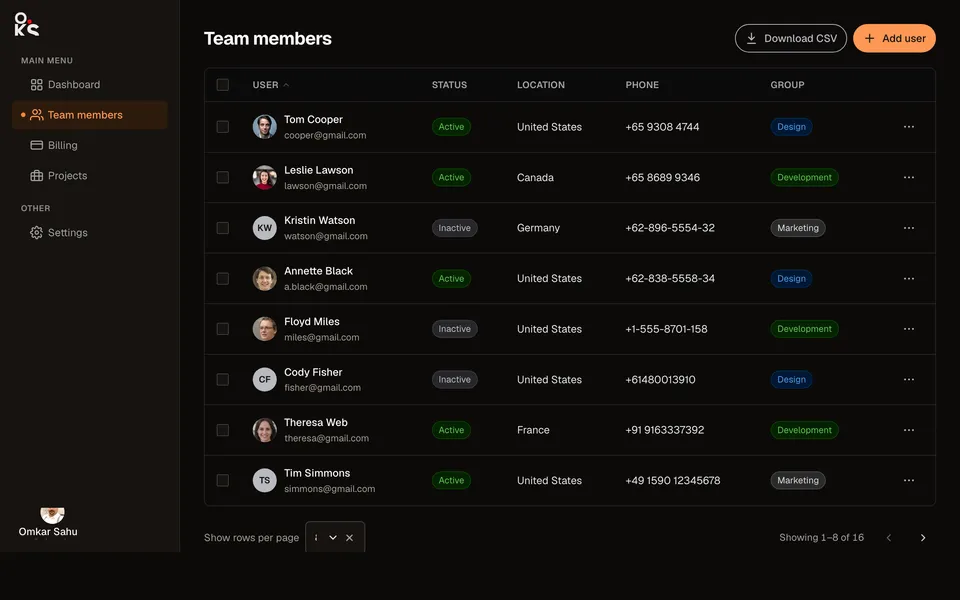
Team members tableApp screens
A team-settings screen — checkbox-selectable Table, status/group Chips, and a real Pagination footer.
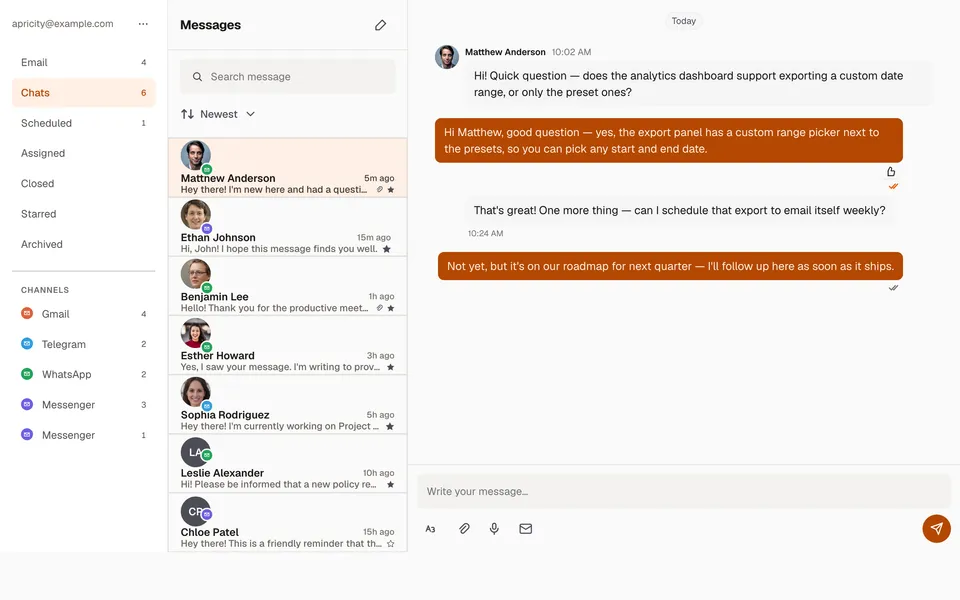
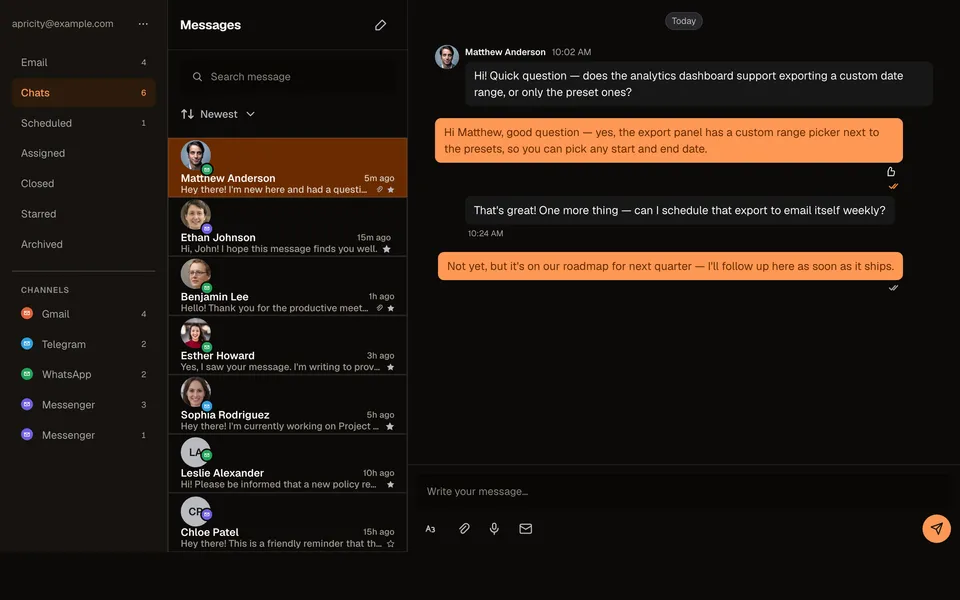
Chat threadApp screens
A full omnichannel inbox — folder/channel rail, a message list, and a real MessageList conversation.
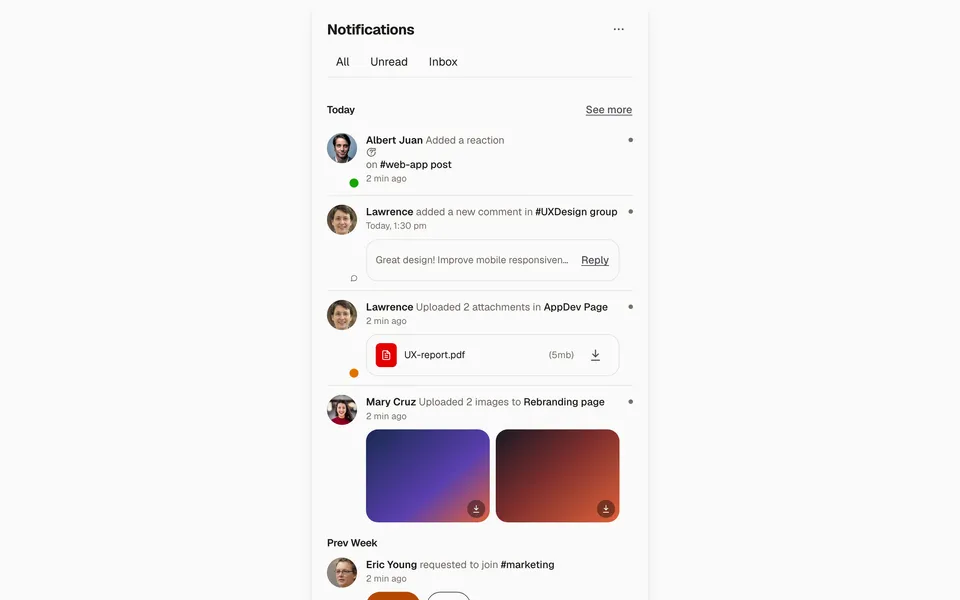
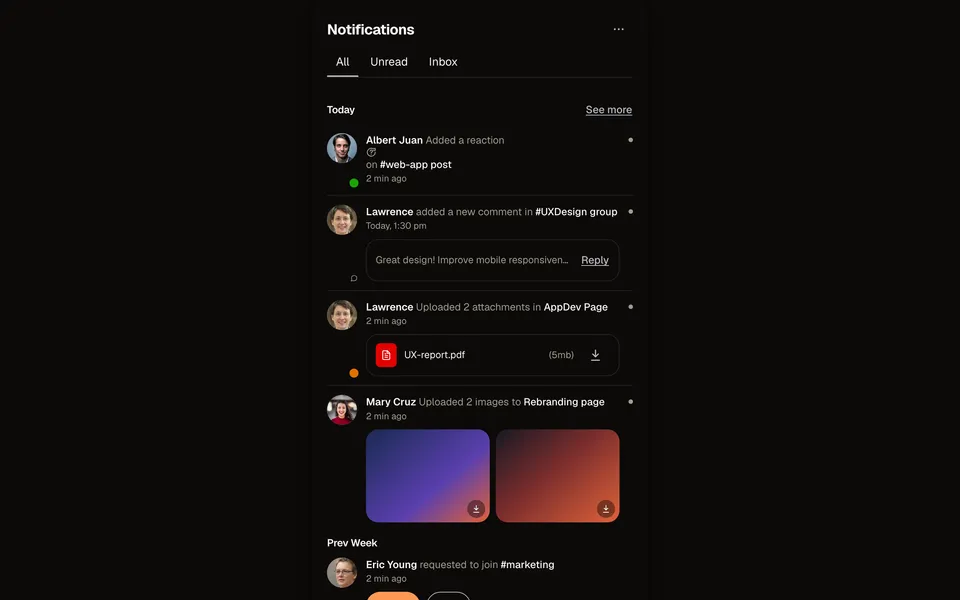
Notifications feedApp screens
A tabbed notifications card — reactions, comments, attachments, image uploads, and a join request.
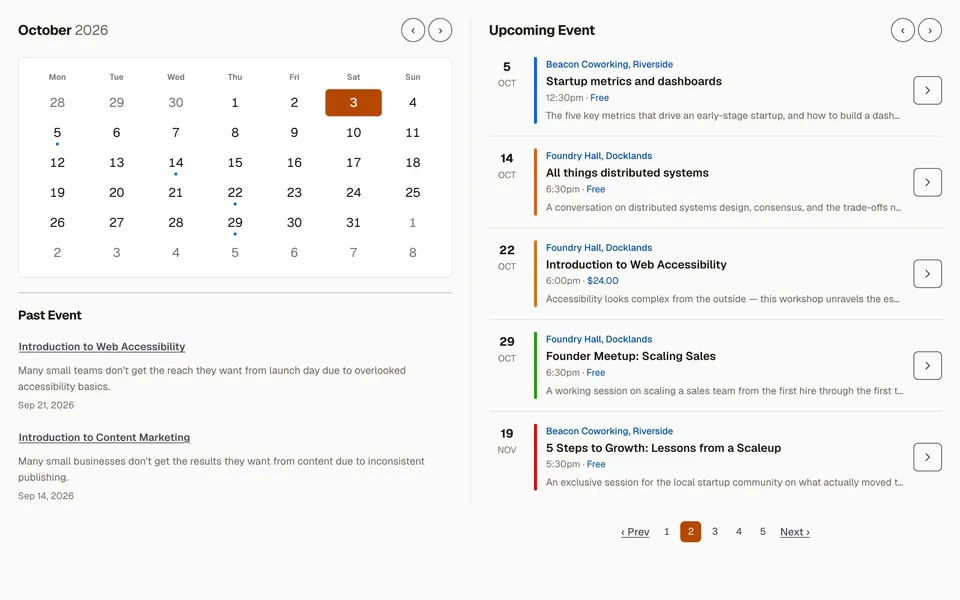
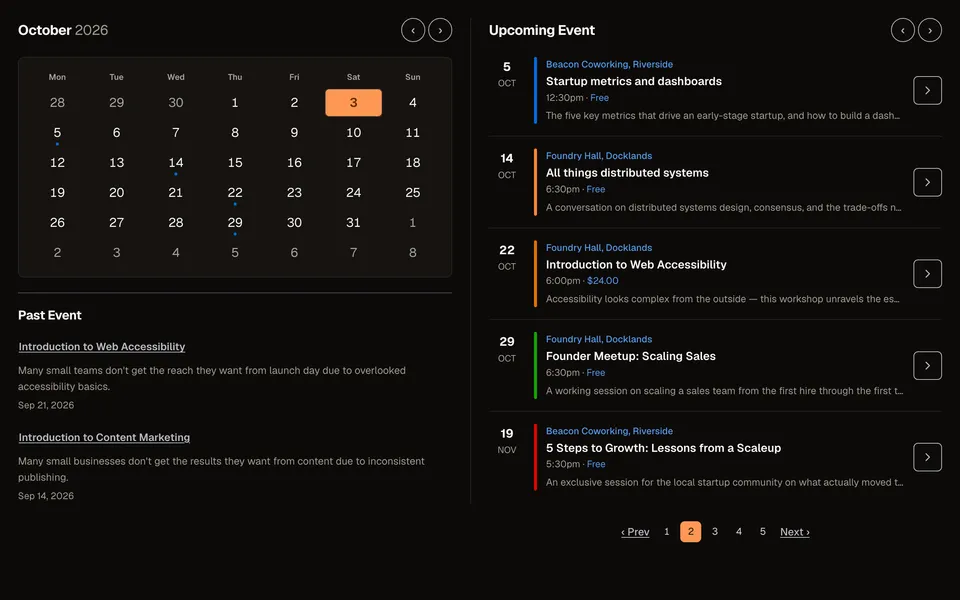
Calendar & scheduleApp screens
A month calendar with event dots, past events, and a paginated upcoming-events list.
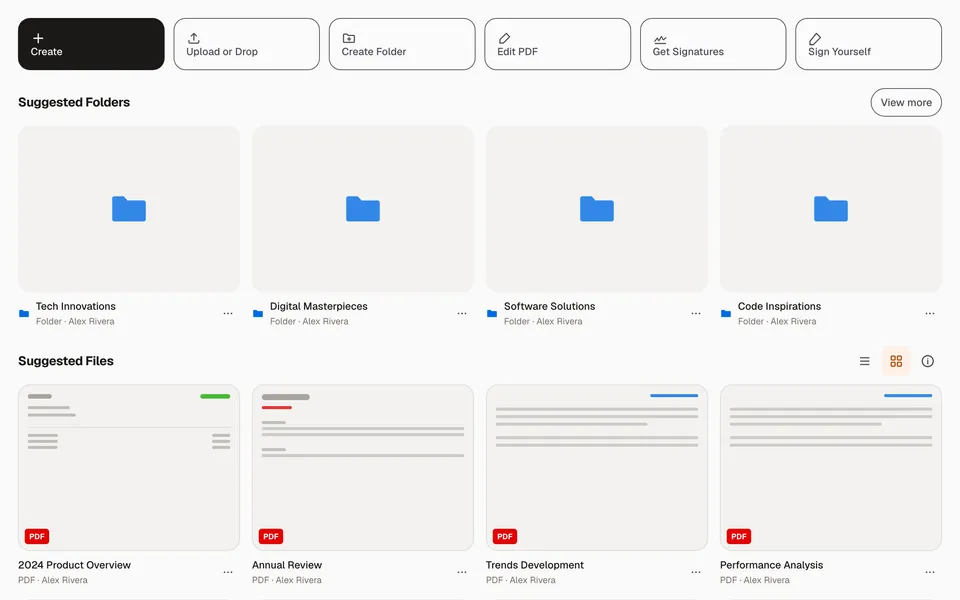
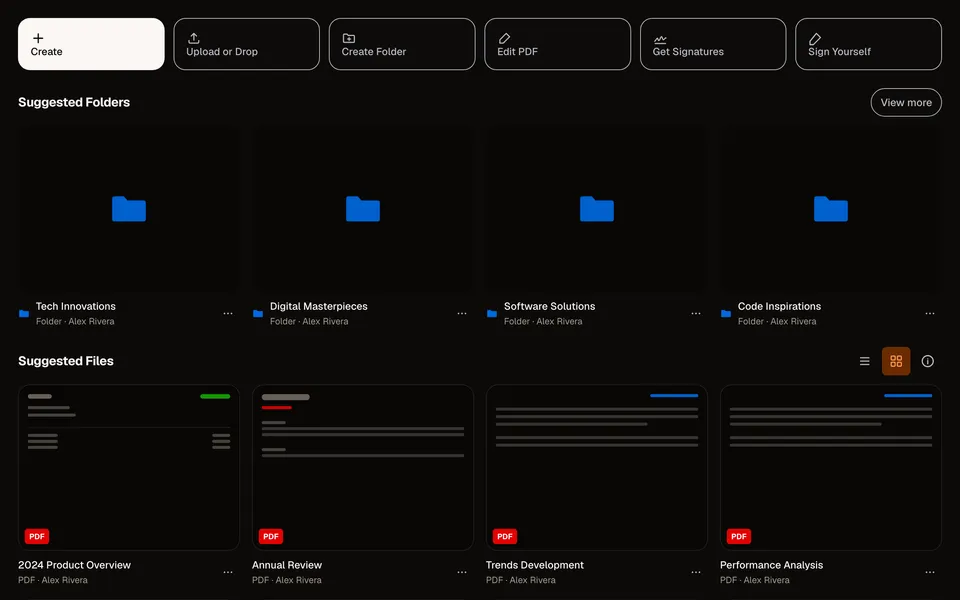
File managerApp screens
A document-hub dashboard — an action toolbar, suggested folders, and a grid/list file view.
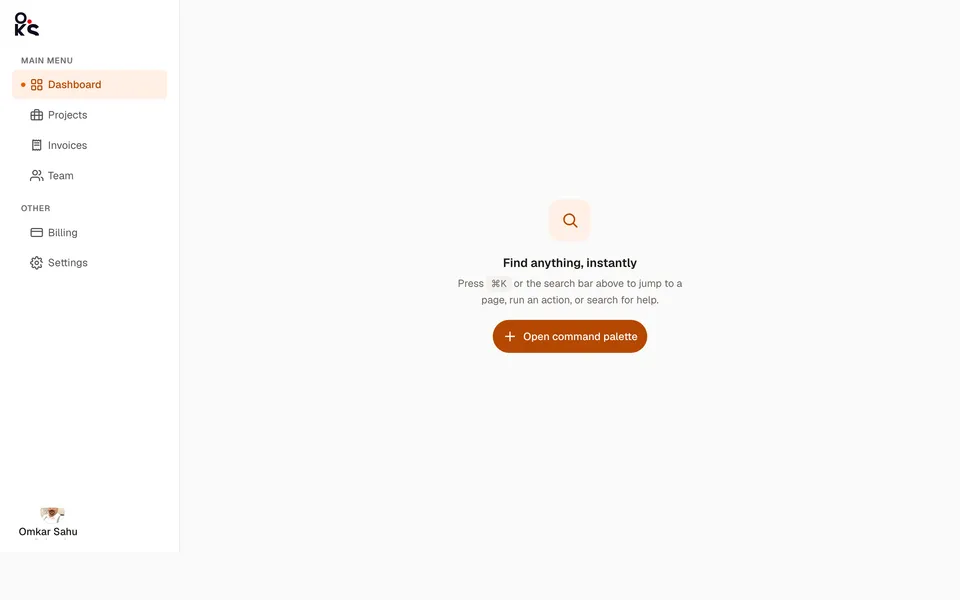
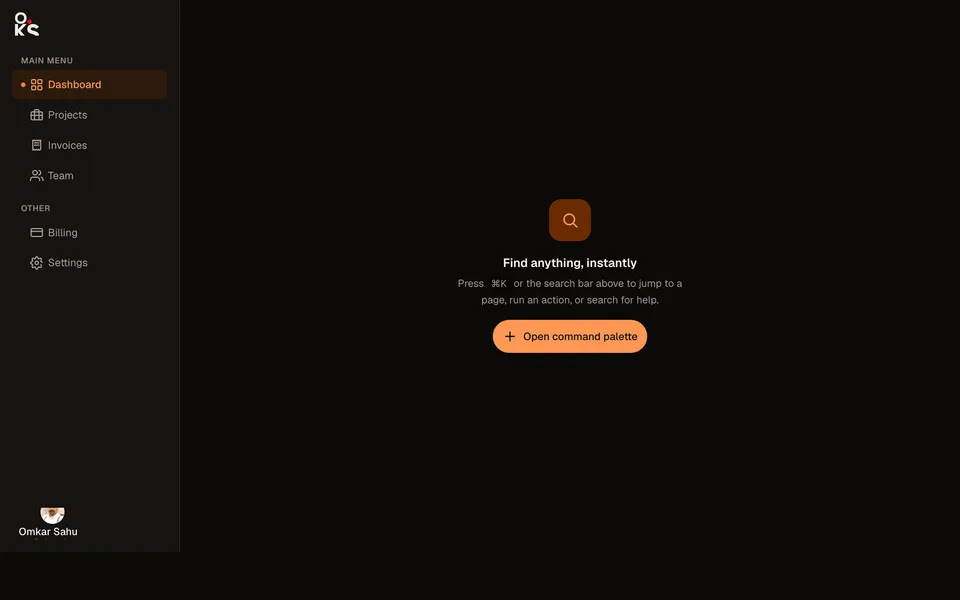
Command palette shellApp screens
A full sidebar/header app shell with a real ⌘K command palette wired to the header's search trigger.
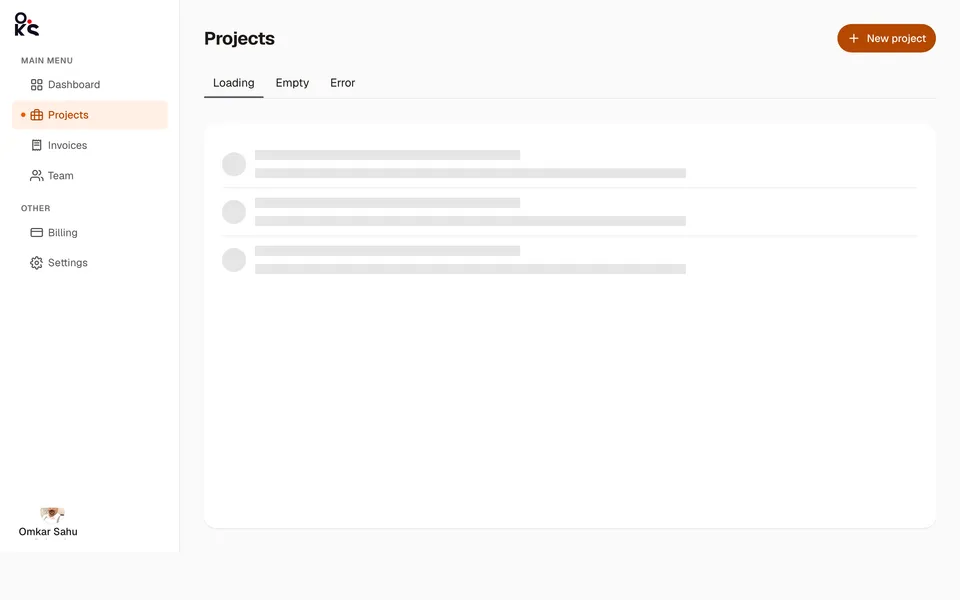
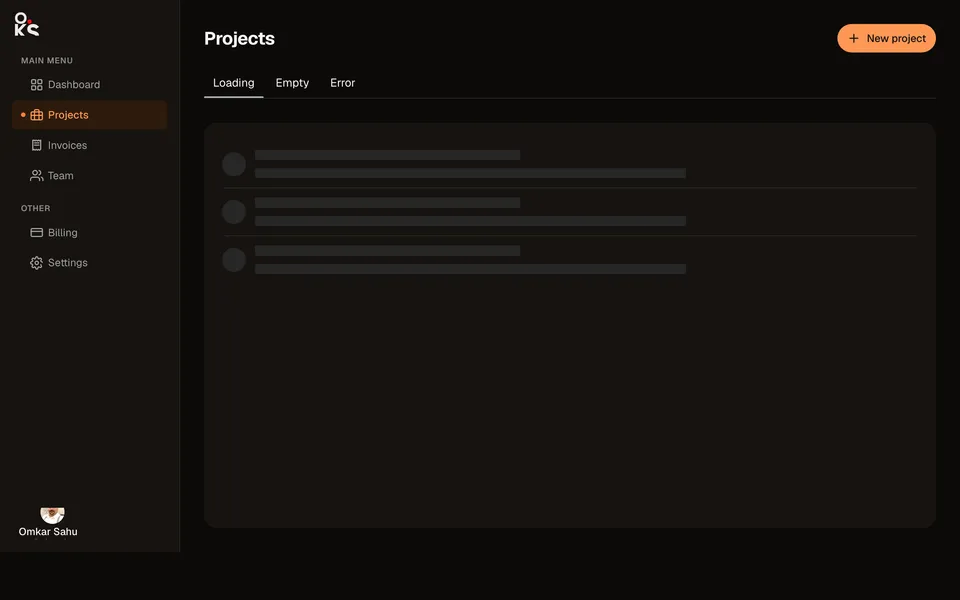
Empty & error statesApp screens
A real list screen switching between its Loading, Empty, and Error states via Tabs.